Trace your Claude Agent SDK applications with Scorecard.
The Claude Agent SDK is Anthropic’s framework for building AI agents that can reason, use tools, and complete multi-step tasks. It includes built-in support for OpenTelemetry tracing, making it easy to capture detailed telemetry from your agent workflows.This quickstart shows how to send traces from your Claude Agent SDK (Python v0.1.18+, TypeScript v0.1.71+) applications to Scorecard for observability, debugging, and evaluation.
Using the standard Anthropic SDK? Check out the general Tracing Quickstart for the proxy method that works with any Anthropic client.
If not set, traces will default to your oldest project in the organization.
2
Run your agent
With the environment variables configured, run your Claude Agent SDK application. All agent activity is automatically traced.
example.py
import anyiofrom claude_agent_sdk import ( AssistantMessage, TextBlock, query,)async def main(): async for message in query(prompt="What is 2 + 2?"): if isinstance(message, AssistantMessage): for block in message.content: if isinstance(block, TextBlock): print(f"Claude: {block.text}")anyio.run(main)
3
View traces in Scorecard
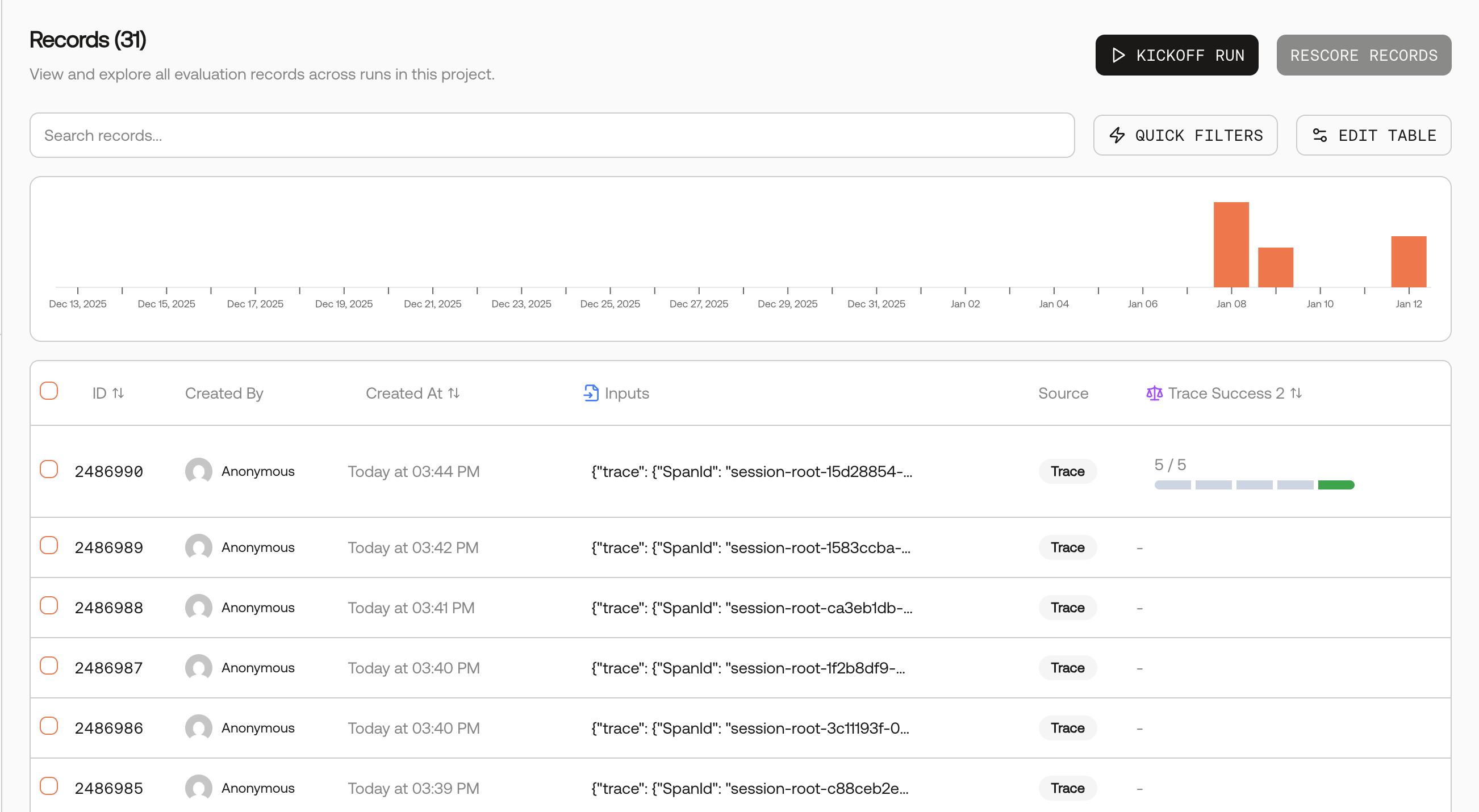
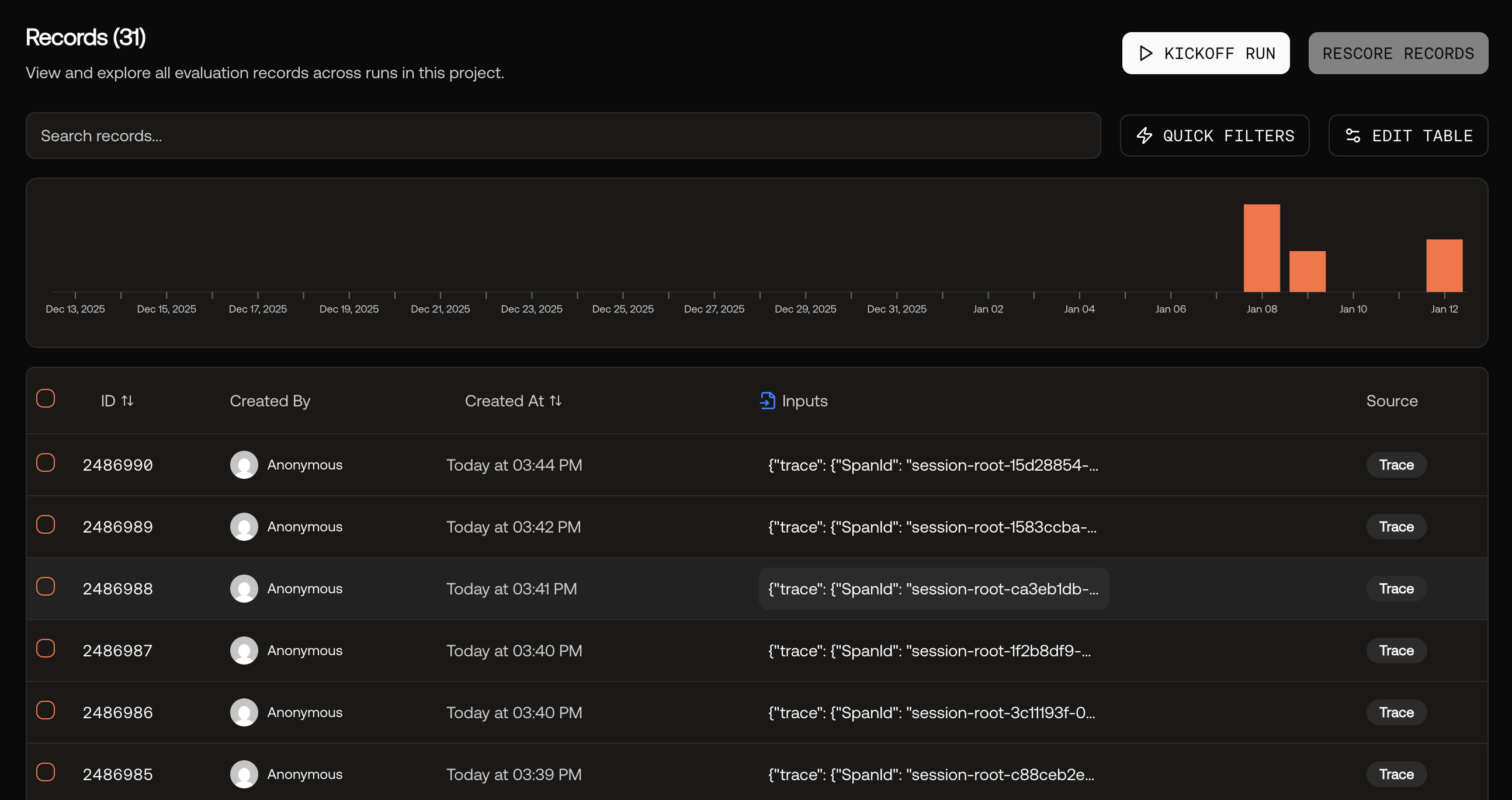
Navigate to the Records page in Scorecard to see your agent traces.
It may take 1-2 minutes for traces to appear on the Records page.
Records page showing agent traces
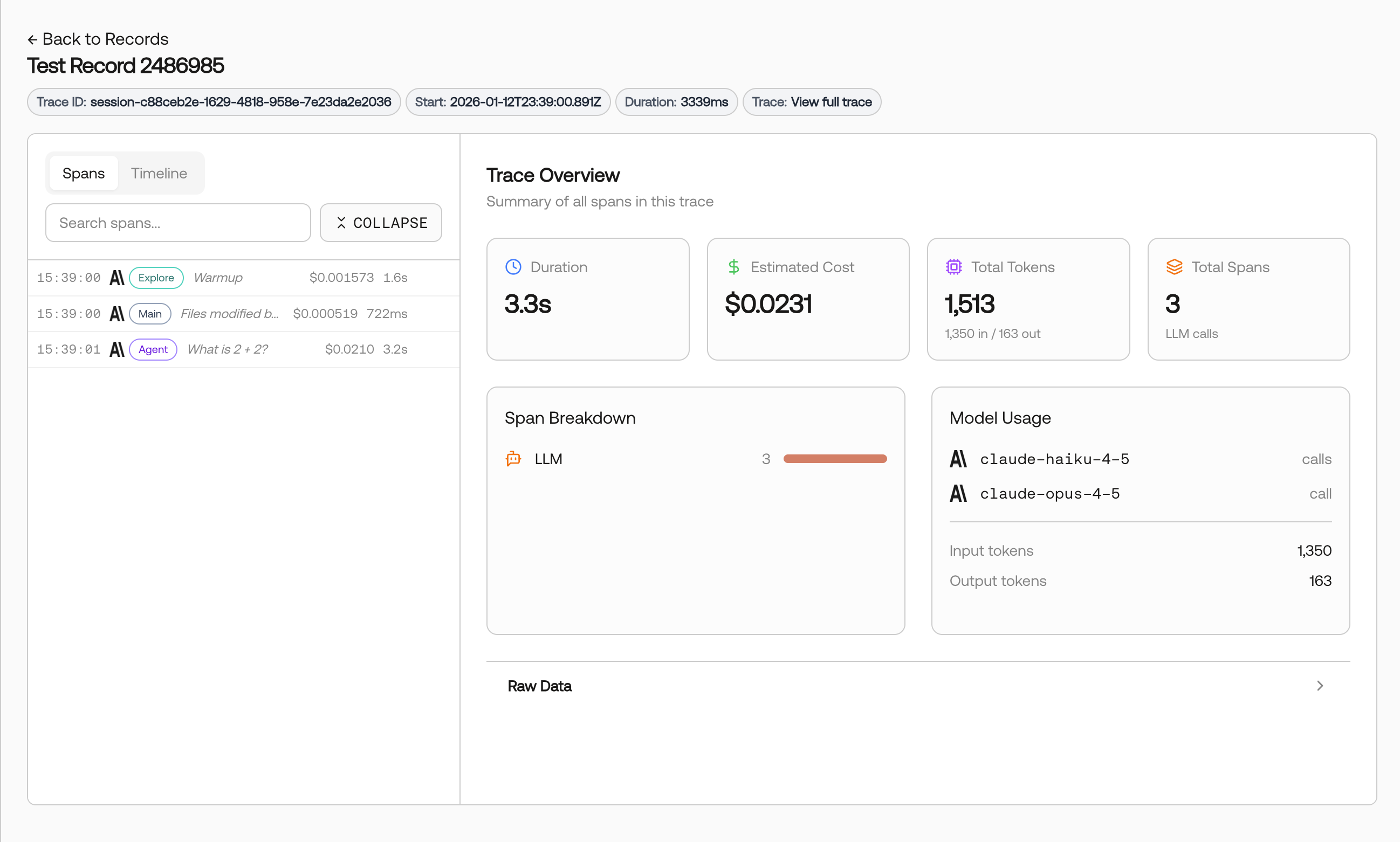
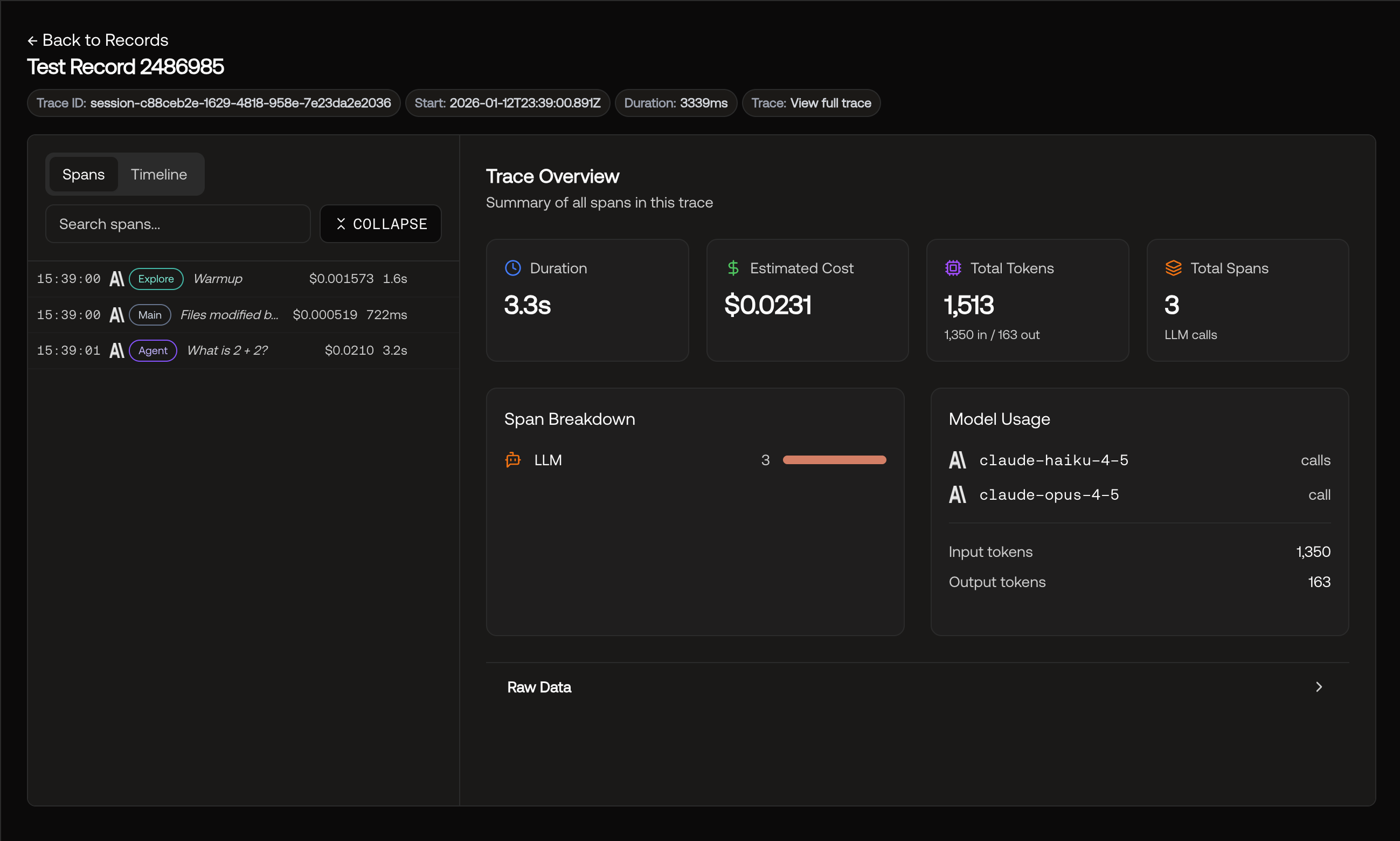
Click on any record to view the full trace details, including the complete request/response data and model usage.
Trace details with request/response data and model usage